Computer won’t shut down
Windows sits on “Shutting down,” never powers off, or comes back after you choose Shut down. Official OEM and Microsoft threads dominate this intent — follow software and peripheral checks before assuming a bad power button.
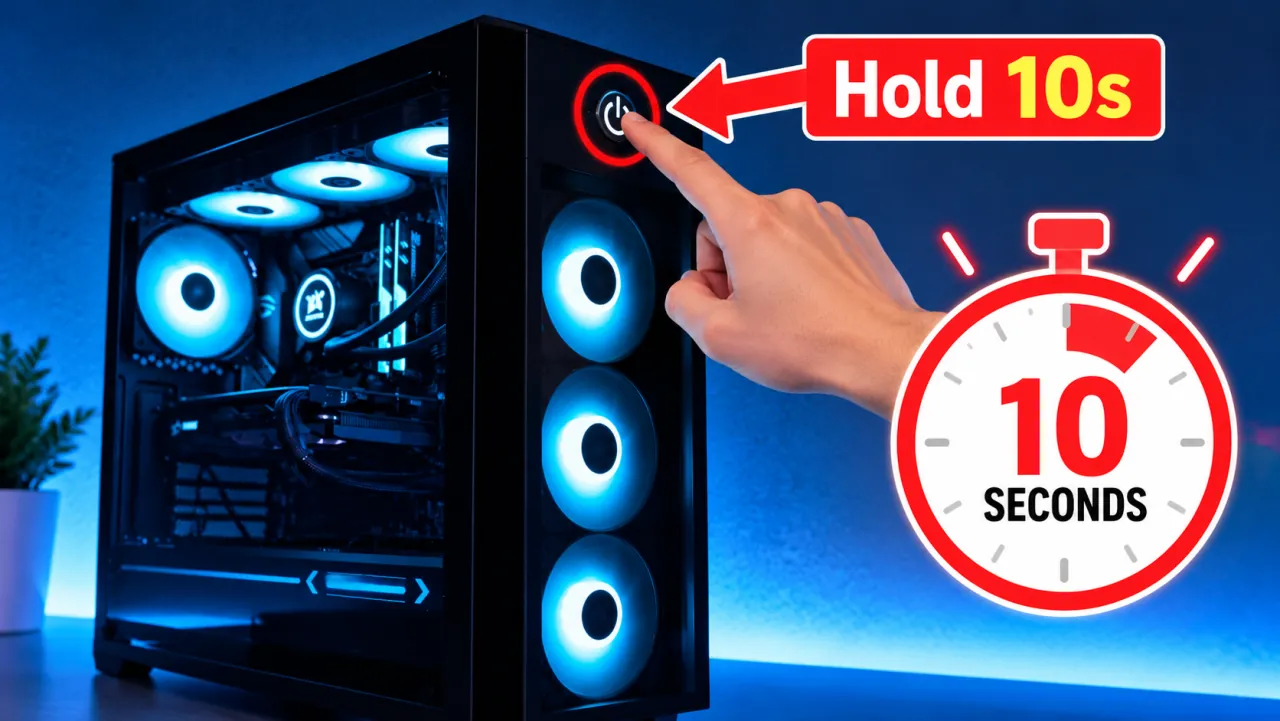
Step 1 — Force power-off safely when stuck
If the UI is frozen on Shutting down for a long time, hold the physical power button until the unit powers off. Unsaved work may be lost. Afterward you may see unclean-shutdown events — expected after a forced off.
Step 2 — Windows Update and Fast Startup
- Install pending updates; some shutdown stalls clear after a completed update cycle.
- Try a full restart, then Shut down again.
- As a test, disable Fast Startup in Power Options → Choose what the power buttons do.
Step 3 — Peripherals and wake devices
- Unplug extra USB devices, docks, and printers; shut down again.
- In Device Manager, clear “Allow this device to wake the computer” on network adapters/keyboards while testing.
- If Shut down turns into a reboot, compare with shutdown and restarting.
Step 4 — OEM shutdown guides
Brand articles document model-specific shutdown failures: ASUS unable to shut down, Dell computer cannot shut down, or your HP/Lenovo support site. Use Safe Mode to remove recently installed apps that block logout (Safe Mode).
Symptom map
- PC shuts down randomly (start here)
- Check Event Viewer for Kernel-Power 41
- Overheating and thermal shutdown
- Shuts off but not overheating
- Shuts down while gaming
- Power supply keeps shutting off
- Laptop turns off without warning
- Shuts down and restarts
- Turns on then immediately shuts off
- Monitor turns off but PC stays on
- PC will not shut down
- Shut down because of a problem
FAQ
Why is my computer refusing to shut down?
Pending updates, a hung process, Fast Startup, or a device waking the PC commonly block shutdown. Force off only when stuck, then remove peripherals and check OEM guidance.
What do I do if my PC is stuck on shutting down?
Wait several minutes once; then hold the power button. On next boot, finish updates and test without extra USB devices.
How do I shut down an unresponsive computer?
Hold the power button until power cuts. That creates an unclean shutdown (Event ID 41 may appear) — expected when the OS could not finish.