Computer keeps shutting down and restarting
When the PC black-screens then powers back on by itself, start with Event Viewer — but also separate “crash reboot” from “I clicked Shut down and it turned back on.”
Step 1 — Classify crash-reboot vs shutdown-restart
- Crash-reboot: You did not choose Restart; the machine dies then POSTs alone.
- Shutdown-restart: Start → Shut down, fans stop briefly, then it boots again.
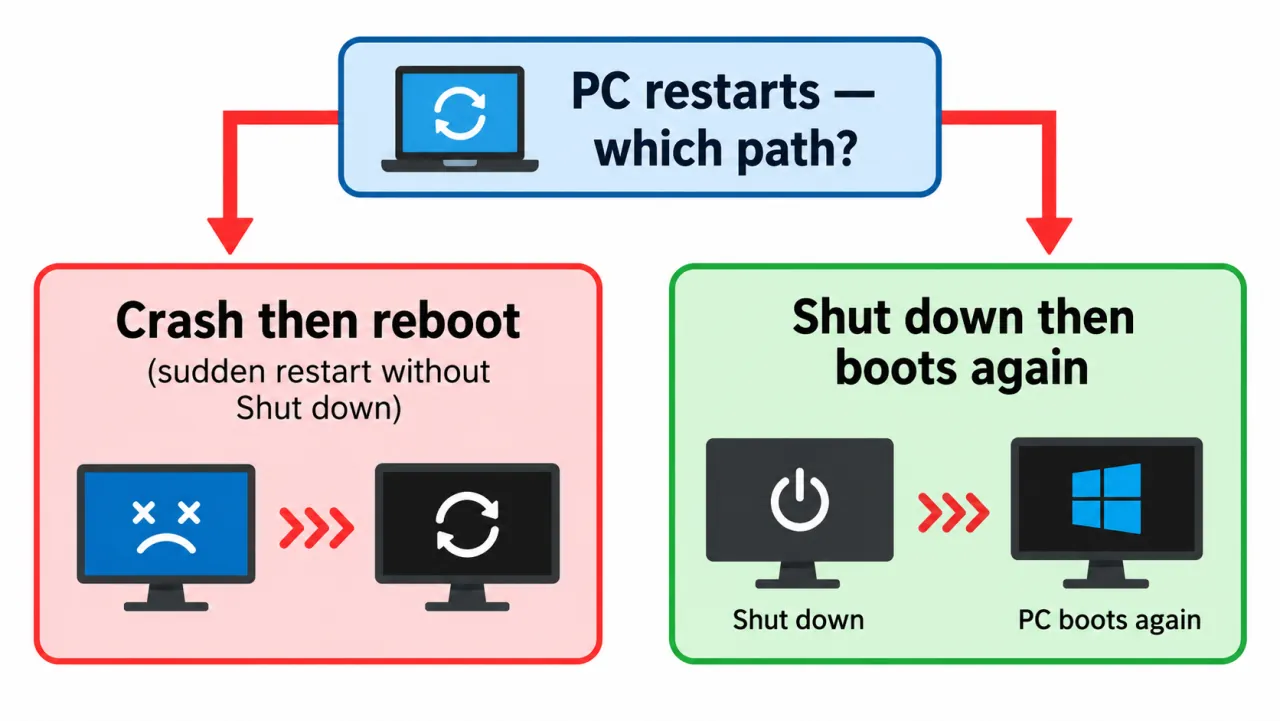
Step 2 — Read 41, 6008, 1001, 1074
Follow Event Viewer → Windows Logs → System. Microsoft’s unexpected-reboot guidance pairs several IDs:
- 41 (Kernel-Power) — Windows restarted without a clean shutdown.
- 6008 — previous shutdown was unexpected (often alongside 41).
- 1001 (BugCheck) — a Stop error was logged; keep the bugcheck code.
- 1074 — a user, app, or Windows component initiated restart/shutdown — useful when you clicked Shut down but the PC came back.
Open Details on Event 41. Nonzero BugcheckCode → crash path. Both BugcheckCode and PowerButtonTimestamp zero → power loss or hang too fast to log a Stop code.
Step 3 — Check automatic restart after failure
- Open System Properties → Advanced → Startup and Recovery → Settings.
- Temporarily uncheck Automatically restart so a Stop screen can stay visible long enough to photograph.
- Reproduce once. If a Stop code appears, write it down, then continue heat/driver branches.
- Use Safe Mode when you need to rule out third-party drivers after a recent install.
Step 4 — Branch to cause pages
Symptom map
- PC shuts down randomly (start here)
- Check Event Viewer for Kernel-Power 41
- Overheating and thermal shutdown
- Shuts off but not overheating
- Shuts down while gaming
- Power supply keeps shutting off
- Laptop turns off without warning
- Shuts down and restarts
- Turns on then immediately shuts off
- Monitor turns off but PC stays on
- PC will not shut down
- Shut down because of a problem
FAQ
Why does my PC keep randomly shutting off and restarting?
An unclean shutdown followed by power-on can be thermal protection, PSU trip with auto-retry, or a Stop error with automatic restart enabled. Use Event Viewer details to choose the branch.
Why does my computer keep restarting when I shut down?
That is usually wake/restart policy or OEM-documented shutdown failures — see won’t shut down and OEM articles.
Why does my PC keep crashing and restarting?
Keep Stop codes when shown. Disable automatic restart briefly, update/roll back drivers, then follow heat or power branches.