Computer screen keeps turning off
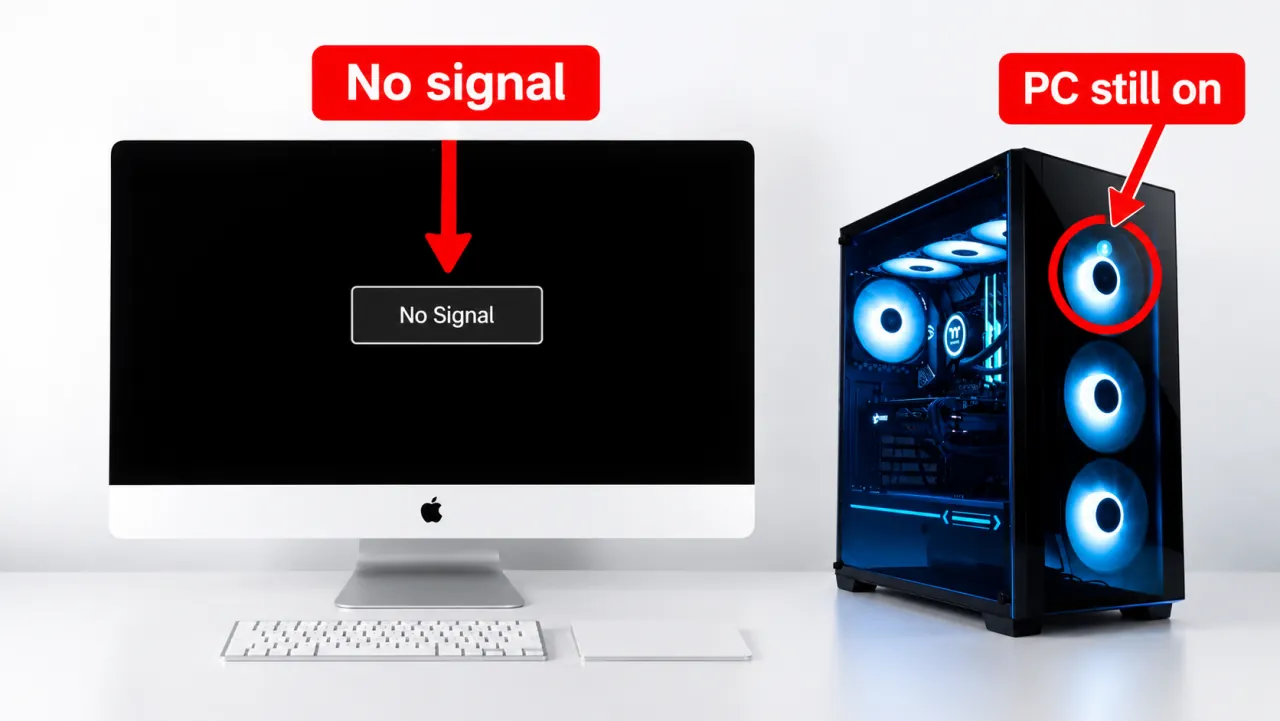
When the display blanks but the PC keeps running (fans, lights, music), you are not on the random power-off tree. Fix sleep timers, cables, GPU output, and monitors first.
Stay on this page if
The chassis stays powered. If fans and LEDs die with the image, return to PC shutdown randomly.
Step 1 — Prove the PC is still on
- Listen for fans; check case LED.
- Try Windows + Ctrl + Shift + B (graphics driver reset — Microsoft blank-screen guide).
- Caps Lock light toggles on many keyboards if Windows is alive.
Step 2 — Power plan and screen timeouts
- Settings → System → Power → screen and sleep timers. Lengthen or set Never while testing.
- Disable adaptive brightness / OEM eco display utilities temporarily.
- For multi-monitor setups, check Win+P projection mode.
Step 3 — Cable, port, and monitor self-test
- Reseat HDMI/DisplayPort; try another cable and PC port.
- Test the monitor on another machine; run the monitor’s built-in self-test if available.
- Bypass docks/dongles for the first pass.
Microsoft’s blank-screen article also starts with cables and a secondary display when diagnosing no image.
Step 4 — GPU driver reset
Update or roll back the display adapter in Device Manager (Microsoft guide). If the panel is fully black with a cursor, follow Microsoft’s blank-screen steps before hardware swaps.
Whole PC loses power → shutdown randomly home
Symptom map
- PC shuts down randomly (start here)
- Check Event Viewer for Kernel-Power 41
- Overheating and thermal shutdown
- Shuts off but not overheating
- Shuts down while gaming
- Power supply keeps shutting off
- Laptop turns off without warning
- Shuts down and restarts
- Turns on then immediately shuts off
- Monitor turns off but PC stays on
- PC will not shut down
- Shut down because of a problem
FAQ
Why does my PC screen keep turning off randomly?
Sleep timers, flaky cables, GPU driver resets, or a failing monitor commonly blank the image while the PC stays on.
Why does my PC screen turn off but my PC stay on?
That split is a display-path issue. Do not replace the PSU first.
Why does my screen go black randomly?
See Microsoft blank screen troubleshooting and the cable/driver steps above.