PC turns off randomly not overheating
When chassis and sensor temperatures look normal but Windows still records unclean shutdowns, shift from cooling to power delivery, memory stability, and drivers. Start from Event Viewer if you have not already.
Step 1 — Verify it is actually cool
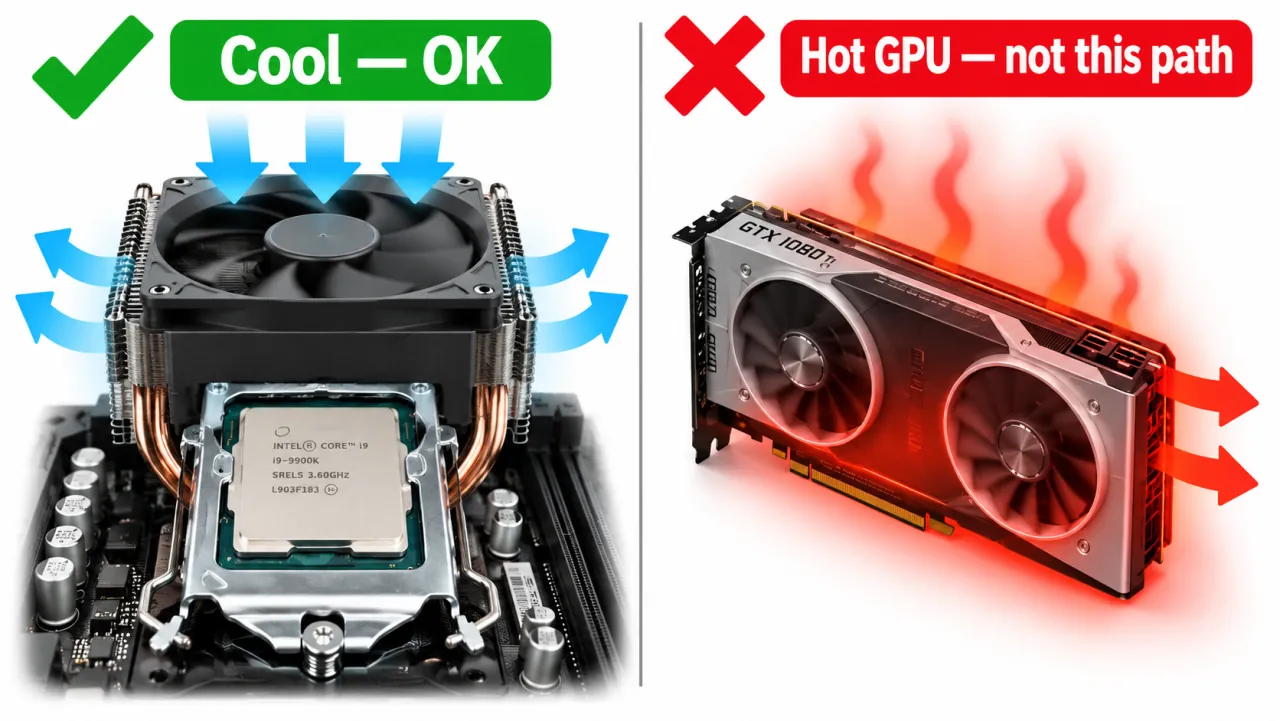
Feel exhaust air and check sensors during the same workload that failed. If package temperatures spike right before the blackout, leave this page for overheating.
Step 2 — Reseat power cables (desktop)
- Power off, unplug AC, hold the case power button ~10 seconds.
- Reseat 24-pin ATX, CPU EPS (4/8-pin), and GPU power connectors until latches click.
- Avoid daisy-chaining PCIe power adapters on high-draw GPUs when separate cables are available.
Step 3 — Test the PSU hypothesis
Cool random shutdowns under load are a classic underpowered or failing PSU pattern. Continue on power supply keeps shutting off. For game-only failures see while gaming.
Step 4 — Memory and storage quick checks
- Run Windows Memory Diagnostic or OEM memory test after a clean shutdown attempt.
- Check System log for disk timeouts around the 41/6008 pair.
- Reseat RAM one stick at a time only after Event Viewer and cable checks.
Step 5 — Drivers and recent changes
If failures began after a GPU/chipset driver or Windows update, use Safe Mode to roll back (Safe Mode, Device Manager). Prefer vendor packages over unofficial driver packs.
Symptom map
- PC shuts down randomly (start here)
- Check Event Viewer for Kernel-Power 41
- Overheating and thermal shutdown
- Shuts off but not overheating
- Shuts down while gaming
- Power supply keeps shutting off
- Laptop turns off without warning
- Shuts down and restarts
- Turns on then immediately shuts off
- Monitor turns off but PC stays on
- PC will not shut down
- Shut down because of a problem
FAQ
Why does my PC randomly turn off without overheating?
Unclean shutdowns with normal temperatures often point to power delivery, memory/storage errors, or a hang that never reached a blue screen. Read Kernel-Power 41 details, then follow PSU and cable checks.
Can faulty RAM cause shutdown?
Unstable memory more often causes blue screens or freezes, but severe errors can end in a hard reset. Test memory after heat and obvious power issues.
How to tell if PSU is fried?
See the PSU page: load-related shutdowns, rear-switch resets, or stability on a known-good supply.